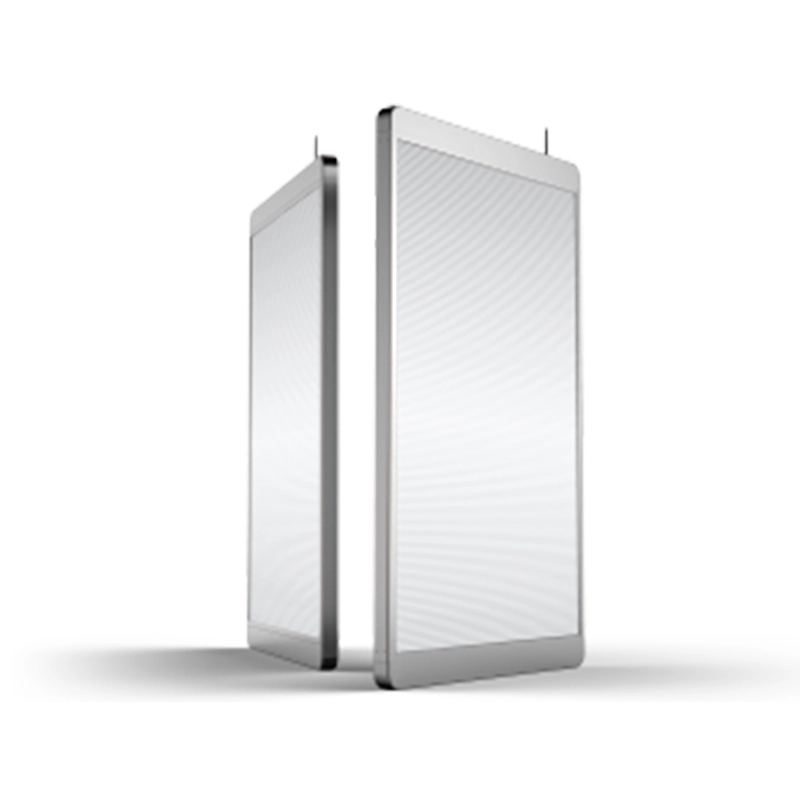
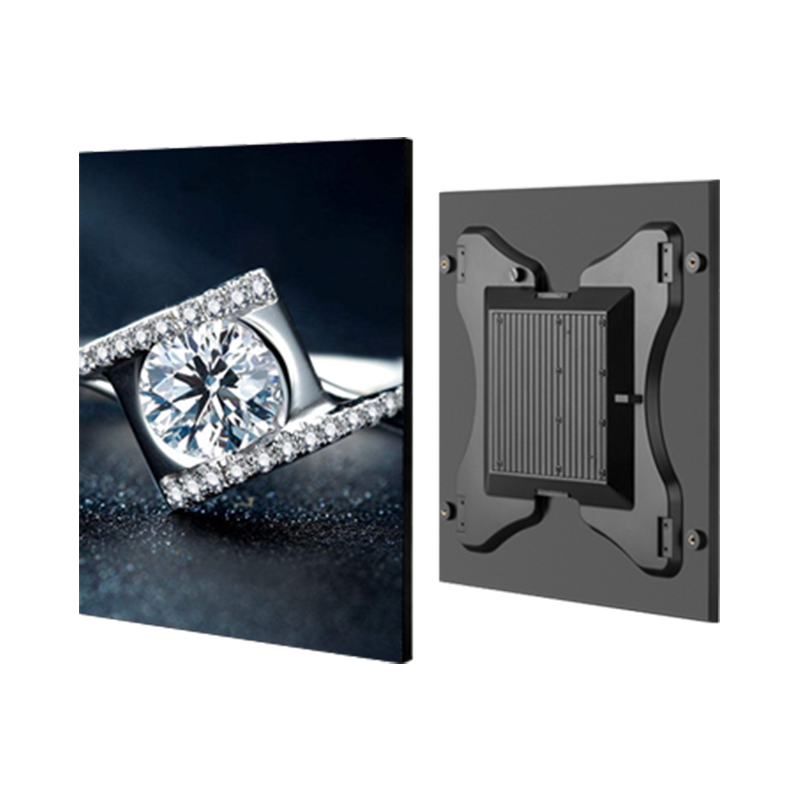
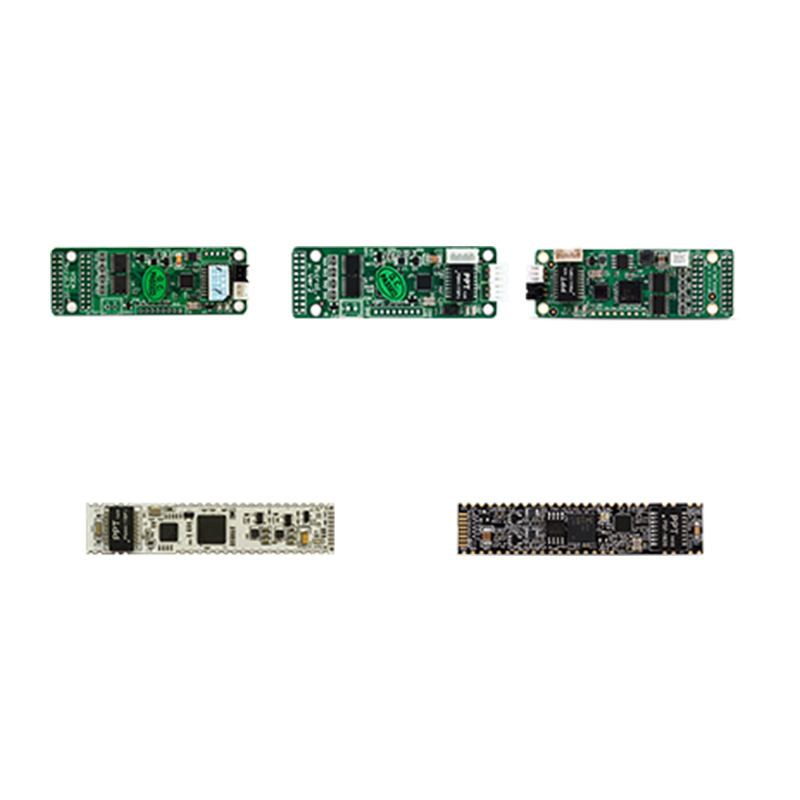
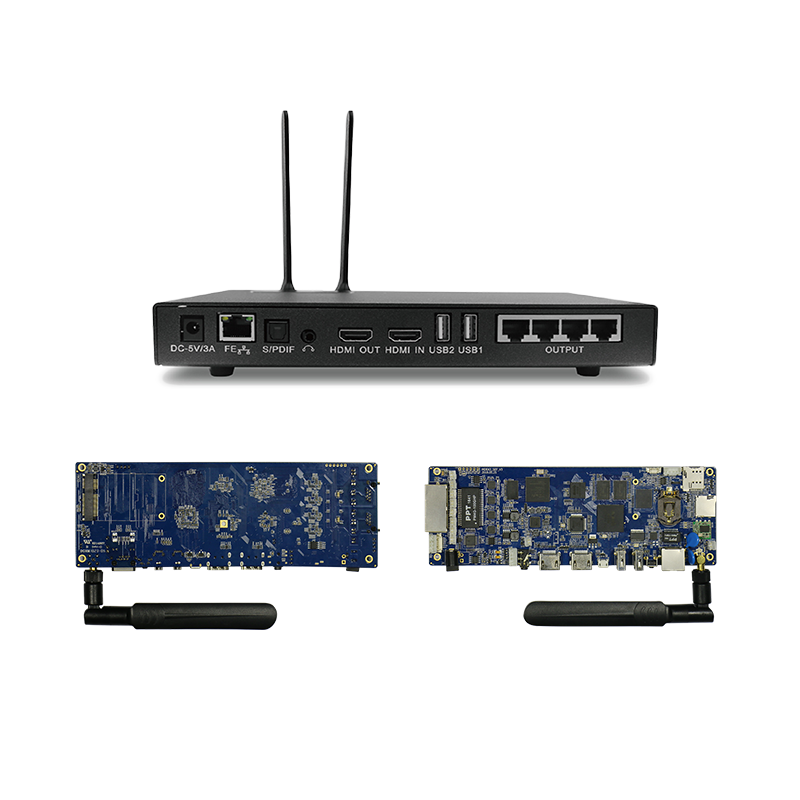
After a long period of use, regular maintenance is required for transparent LED displays. How to troubleshoot transparent LED screens? It depends on the specific situation. Let's take a look at how to troubleshoot transparent LED displays.
The transparent LED display screen is black and not working
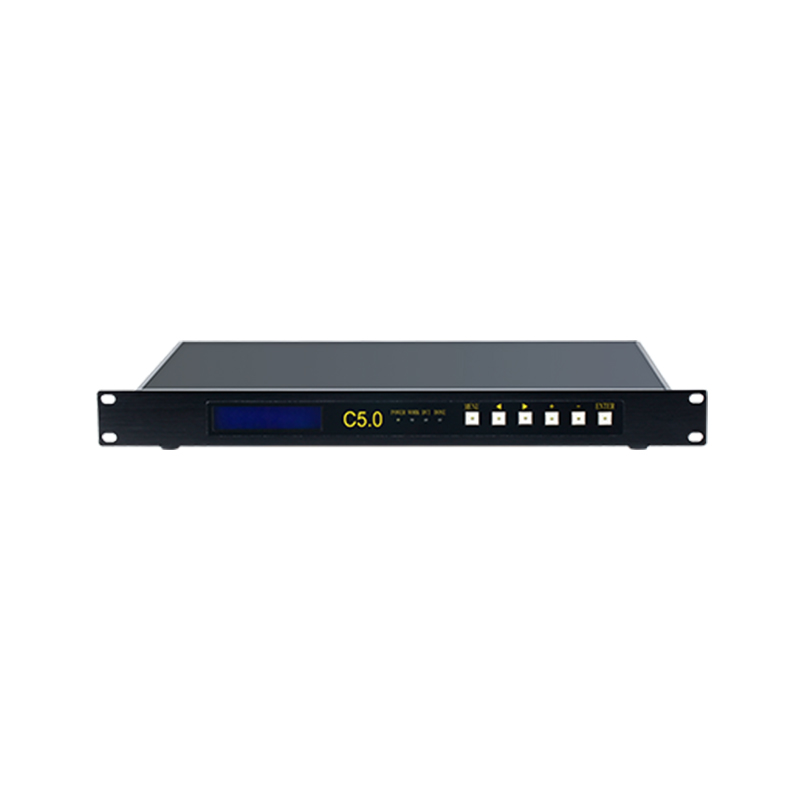
Check whether the transparent LED display control box has been powered on (PWR red indicator light is always on), and whether the signal output of the transparent LED display is normal (RUN green indicator light is flashing).
Whether the transparent LED screen is properly powered on, the entire screen will flash once and then return to black screen when turning on or off the power.
If the above two checks of the transparent LED display are correct, please confirm whether the network cable is already plugged in and the connection is good. You can use a network cable tester to test whether the network cable is normal.
The picture on the transparent LED display screen is not complete
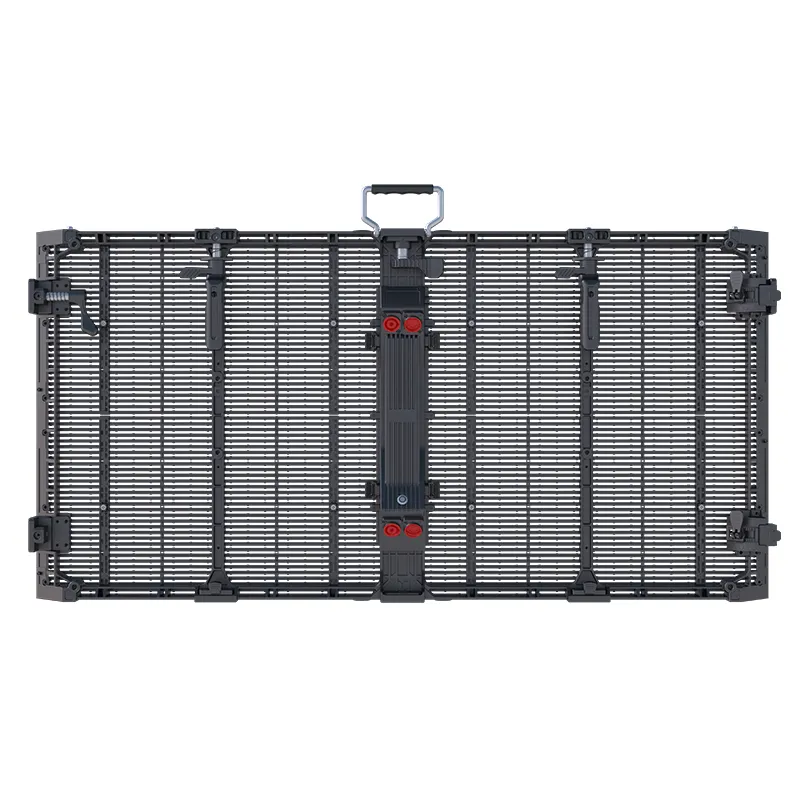
First, confirm the location where the fault of the LED transparent display screen occurs (confirm the location of the faulty module visually, and make simple marks), and then replace the faulty modules of the transparent LED display screen in a corresponding way. The specific replacement method is as follows:
Cut off all power of the transparent LED display screen; open the wire cover plate behind the transparent LED display screen and unplug the power and signal lines on the transparent LED display module;
Remove the fixed screws on the left and right of the transparent LED display module;
Take out the package of the faulty transparent LED display module;
Install the corresponding new module, tighten the fixed module screws, and plug in the power and signal lines;
Test whether the picture of the transparent LED display screen is normal when powered on.
These are the common troubleshooting solutions for transparent LED displays, starting from the simplest and basic methods to more complex ones. You can solve the problems of transparent LED displays in this way.
Of course, we hope to help everyone. If you want to learn more about the related technology of LED transparent displays, please refer to relevant knowledge about LED transparent displays.
Shenzhen Zaiyuan Internet of Things Technology Co., Ltd. is committed to providing customers with intelligent and innovative new elements for LED display screens. With stable products, high-quality services, and excellent positioning, we have been highly recognized by customers. Customers from all over the world are welcome to visit and consult.